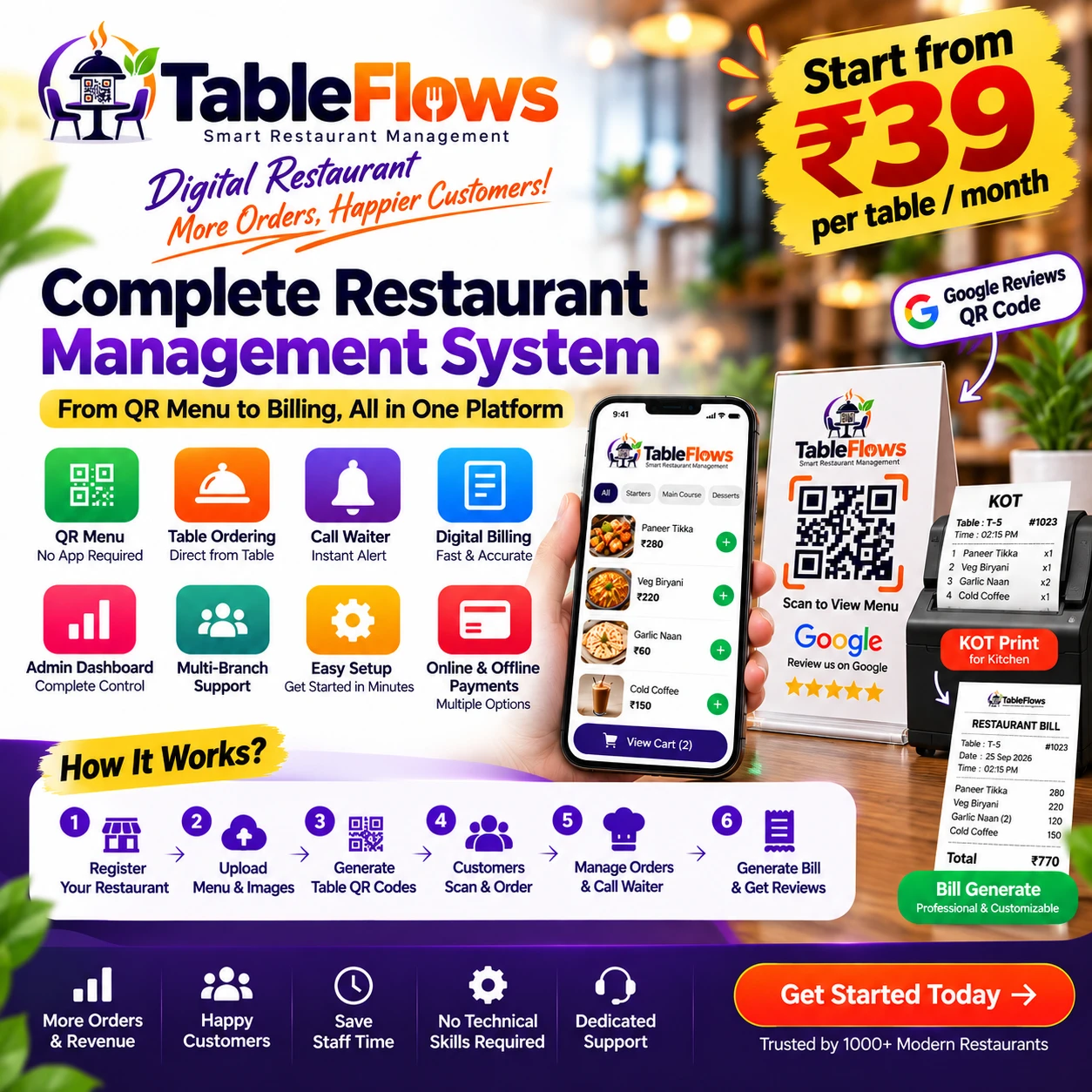
Let customers scan, order, call a waiter and request their bill directly from the table. No app download. No complicated process. Every order — however many rounds — lands in one combined bill.
One platform that takes a restaurant from QR menu to final bill. Customers scan a code on the table and order from their own phone. You get the order live, print the kitchen ticket and bill the whole table once.
From the first table scan to the final combined bill — built around one open session per table, not per order.
Customers scan the table QR and instantly open a searchable, mobile-first menu — no app install.
Customers can place additional orders during the same table session — every order stays grouped together.
Customers can call a waiter directly from their phone, with built-in spam prevention.
Restaurant staff receive new orders instantly, with a visual alert and a notification sound.
Combine every order from a table session into one final bill — never just the latest order.
See every table's status, current session and running total on one floor view, updated live.
Track sales, orders, customers and overall restaurant performance from one dashboard.
Owner, manager, waiter, kitchen and cashier roles — everyone sees exactly what they need.
No hardware, no app for your customers, no technical skills needed.
Create your restaurant account.
Add items and photos, or import in bulk.
A unique code for every table. Print and place them.
Just the phone camera. No app.
Live alerts, kitchen tickets, table view.
One combined bill, then a Google review.
The tools that bring customers back and keep your counter running smoothly.
Print a ready-made review card. Customers pick their stars, get a suggested review they can edit, and land straight on your Google review page.
Print a clean ticket for the kitchen the moment an order comes in.
A printable bill with every order from the table combined, ready to hand over.
Take cash at the counter, or let customers pay online from their phone.
Import your whole menu in bulk instead of typing every item.
Choose from ready-made food photos so your menu looks great from day one.
This is not a table-booking system — it's in-restaurant QR ordering, built around the way a table actually gets used.
Pay only for the number of tables you have. More tables, lower price per table!
Prices are calculated live from your table count — never a flat fixed fee.
Customers scan a code at their table to open your menu and order directly from their phone — no reservation, no booking, just ordering at the table they're already sitting at.
No. The menu opens in the customer's browser the moment they scan — nothing to download or install.
Yes. Every order placed while the table's session is open joins that same session automatically.
Yes, with one tap — and built-in spam prevention stops duplicate calls while one is already active.
Yes — the final bill always combines every order from the table's session, never just the latest one.
Plans scale from small cafés to large floors — pick the table count that matches you today and upgrade whenever you grow.
Pricing is calculated per table per month — see the Pricing section above for current plan pricing.
Yes — request a plan upgrade any time from your Restaurant Panel; it's reviewed and applied by the platform team.
Every table gets a unique, securely generated code tied only to that table — it can be regenerated instantly if it's ever compromised.
Start your free 10-day trial. Your account is active right away — no payment needed to begin.
Start Free 10-Day Trial