
One combined bill per table
Every round a table orders goes on one bill. No adding up separate slips at the end.
TableFlows is cafe billing software for cafés where guests sit, order and order again. Every coffee, snack and dessert from a table goes on one bill with GST and service charge, and every order can print a KOT for the bar or kitchen in one click. It runs on a phone, tablet or laptop, from ₹39 per table per month. Start with a free 10-day trial.
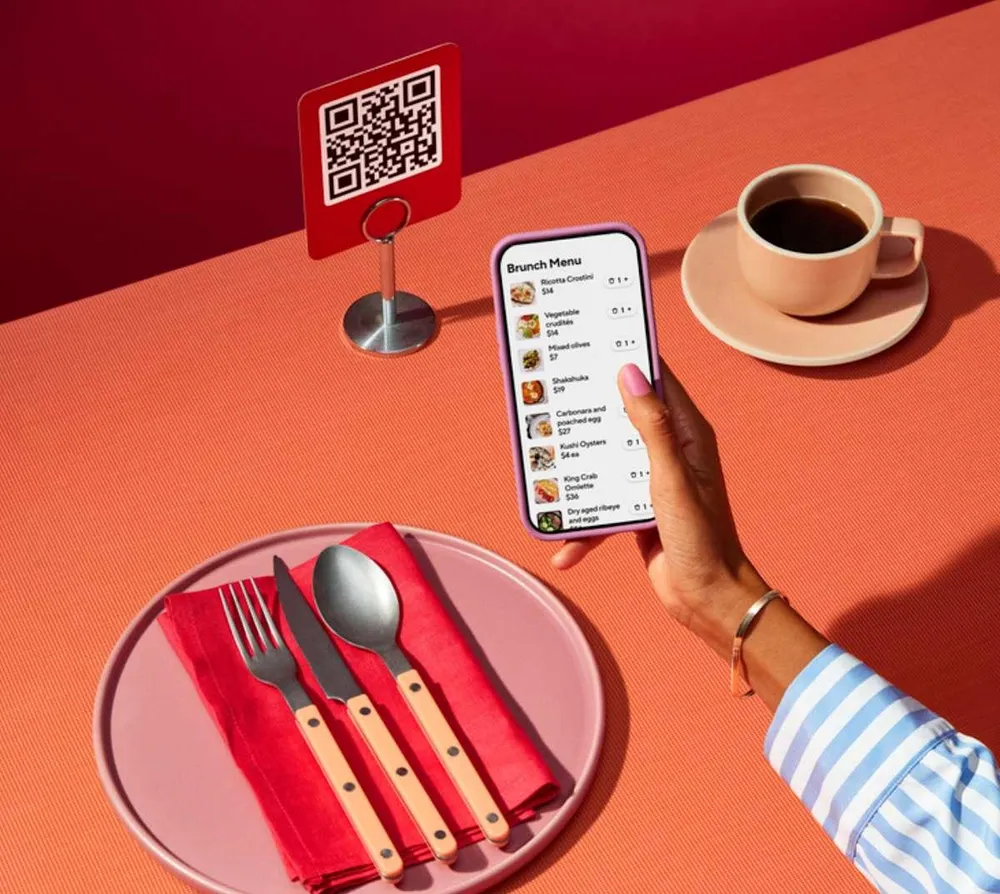
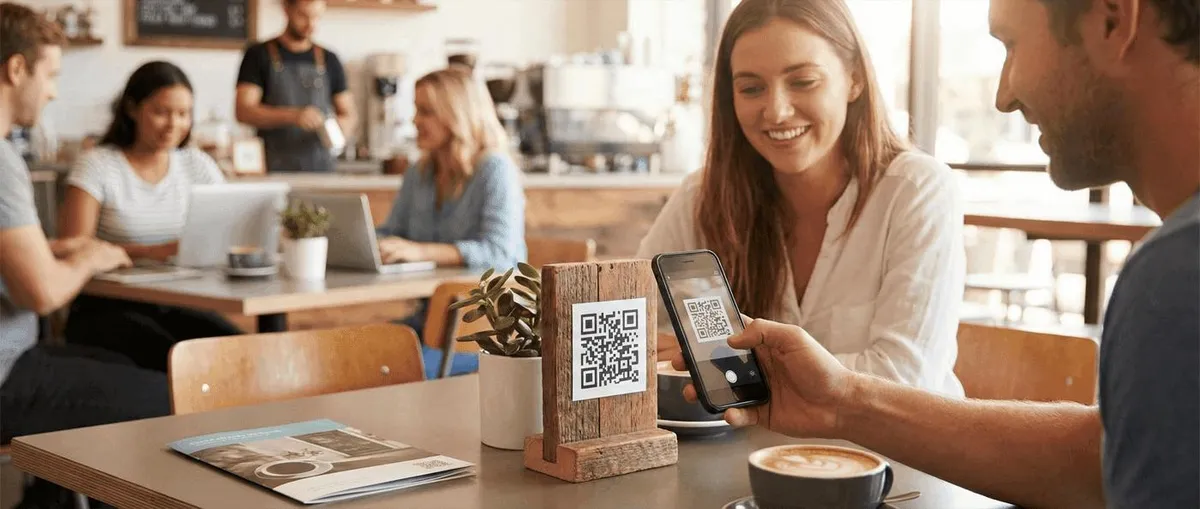
Café billing is different from restaurant billing. Orders are small, guests stay for hours and order again and again: a cappuccino, then a sandwich, then a brownie. On paper or a basic counter system, items get missed and the final bill is slow to make.
With TableFlows, each new order joins that table's running bill automatically. When guests ask for the bill, it is already complete.
See also restaurant billing software and KOT software.
Every round a table orders goes on one bill. No adding up separate slips at the end.
Set your GST rate once and it appears as its own line. Print your GSTIN, café name and address in the header.
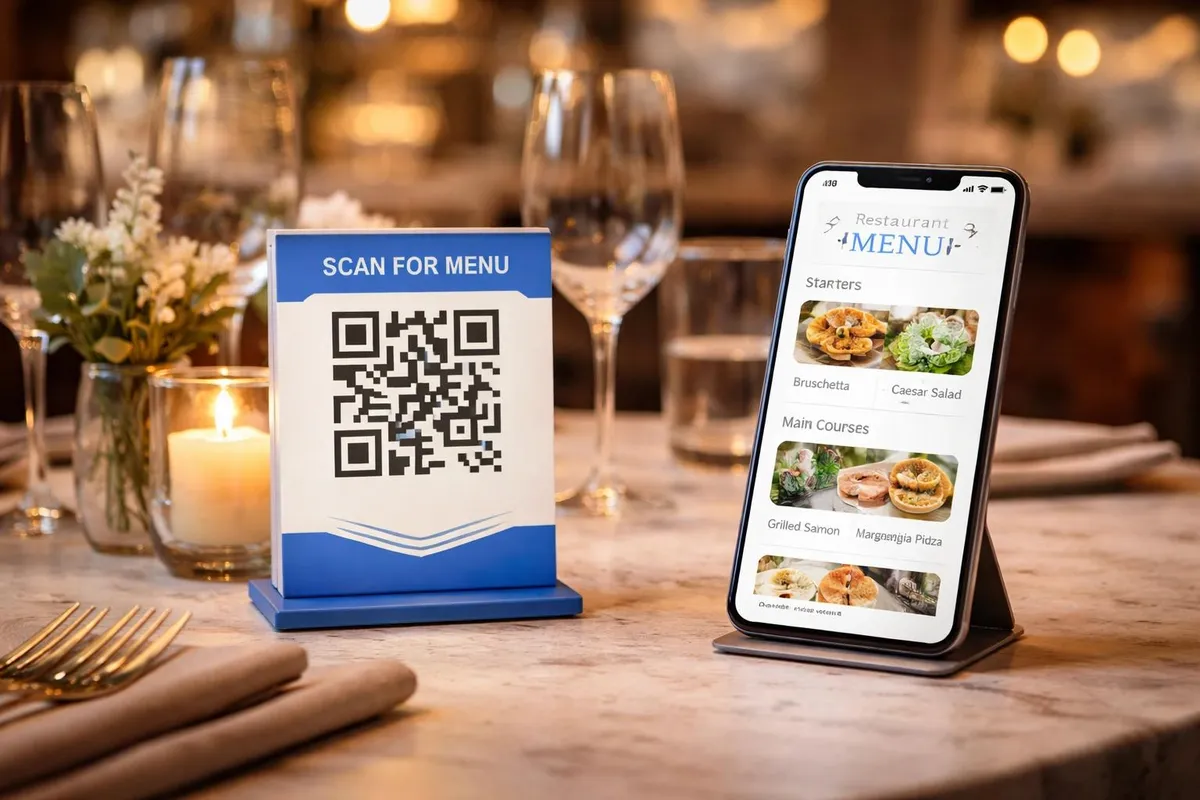
Guests scan the table QR and see photos and prices, with no app. Hide a sold-out cake in one tap. See the QR menu.
Every order can print a kitchen order ticket in one click, so baristas and the kitchen can start right away. A thermal printer is optional.
Record UPI, cash, card or online. Split one bill across methods and see the balance due.
Put a review card on every table. More Google reviews help new customers find your café. See the Google review QR code.
See daily sales, busiest days and best-selling items, so you know which drinks and dishes to push.
TableFlows shows GST as a line on the bill. It does not file GST returns.
Café teams change shifts often. TableFlows has three main screens, Orders, New Order and Bills, so a new team member learns it in a single shift.
See the waiter app.
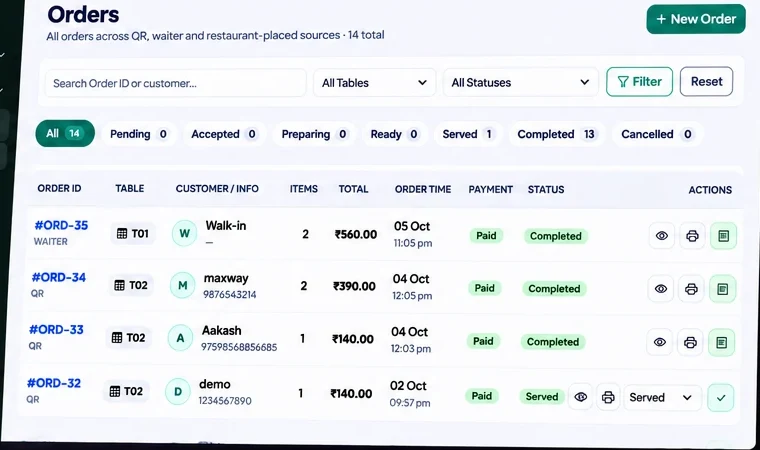
The guest scans the QR on the table, or staff take the order.
Staff print a KOT for the bar or kitchen in one click.
Repeat orders from the same table add to the same bill.
The guest asks for the bill and it is ready with GST and service charge.
Record the payment by UPI, cash or card and close the table.
No POS machine to buy. Use the phone, tablet or laptop you already have. Pricing is per table, so a 6-table café pays for 6 tables, not a big-restaurant package. Plans start at ₹39 per table per month. The price per table drops on larger plans.
| Tables | Per table / month | Monthly total |
|---|---|---|
| 5 | ₹59 | ₹295 |
| 15 | ₹53 | ₹795 |
| 25 | ₹49 | ₹1,225 |
| 60 | ₹43 | ₹2,580 |
| 100 | ₹39 | ₹3,900 |
See all plans on the pricing page. Start with a free 10-day trial.
Built for dine-in. If most of your sales are takeaway at a counter, TableFlows will not replace a counter POS: it works best where guests sit at tables. For counters, see our QSR software.
Guests who linger, order again and ask for one bill at the end.
A counter for takeaway and tables for guests who stay. TableFlows covers the tables.
Many small orders per table, all on one clean bill.
Tables spread out, so guests order and call a waiter from their phone. See small restaurant software.
Small changes often pay for the software quickly.
Feature your best coffee or dessert with a good photo and the recommended tag.
Put the Google review card on every table and mention it at billing.
Use reports to find slow-selling items and replace them with something new.
For a sit-down café, pick software that keeps every table's orders on one bill, prints KOTs and works on a phone. TableFlows does this from ₹39 per table per month, so a small café pays only for its tables.
Yes. Set your GST rate once and it shows as a separate line on each bill, with your GSTIN in the header. TableFlows does not file GST returns.
No. TableFlows runs in a browser on any phone, tablet or laptop. A thermal printer is optional for KOTs and bills.
TableFlows is priced per table per month, from ₹39 per table. The price per table drops on larger plans. Every plan has all features. See the pricing page.
Yes. Changes to items, prices, photos and availability go live on the QR menu as soon as you save.
TableFlows is built for seated, dine-in service. Staff can enter orders from the panel, but it is not a counter or delivery POS.
Start with a free 10-day trial. Your account is active right away, with no payment needed to start.
Add your menu, print table QR codes and take your first order today.
Share your details and our team will contact you about TableFlows.