Paste the link to your menu below and download a printable QR code in seconds, free. Want the menu itself to be digital, with photos, categories, live prices and a QR code on every table? TableFlows gives you that, and guests can order from the same screen.
A restaurant website page, a PDF menu, a Google Drive or Dropbox link: if it opens in a browser, it can become a QR code.
The QR code is created inside your browser. Your link is not uploaded to our servers or stored.
Choose up to 2048 pixels so the code stays sharp on table tents, stickers and window posters.
A generator makes a code for one link. For a menu you edit in a dashboard, with orders, KOT and billing, see QR code ordering.
Paste the web address of your menu, a PDF or a Google Drive link. Download the QR code as an image, and print it on your tables.
Nothing leaves your device. The QR code is created in your browser.
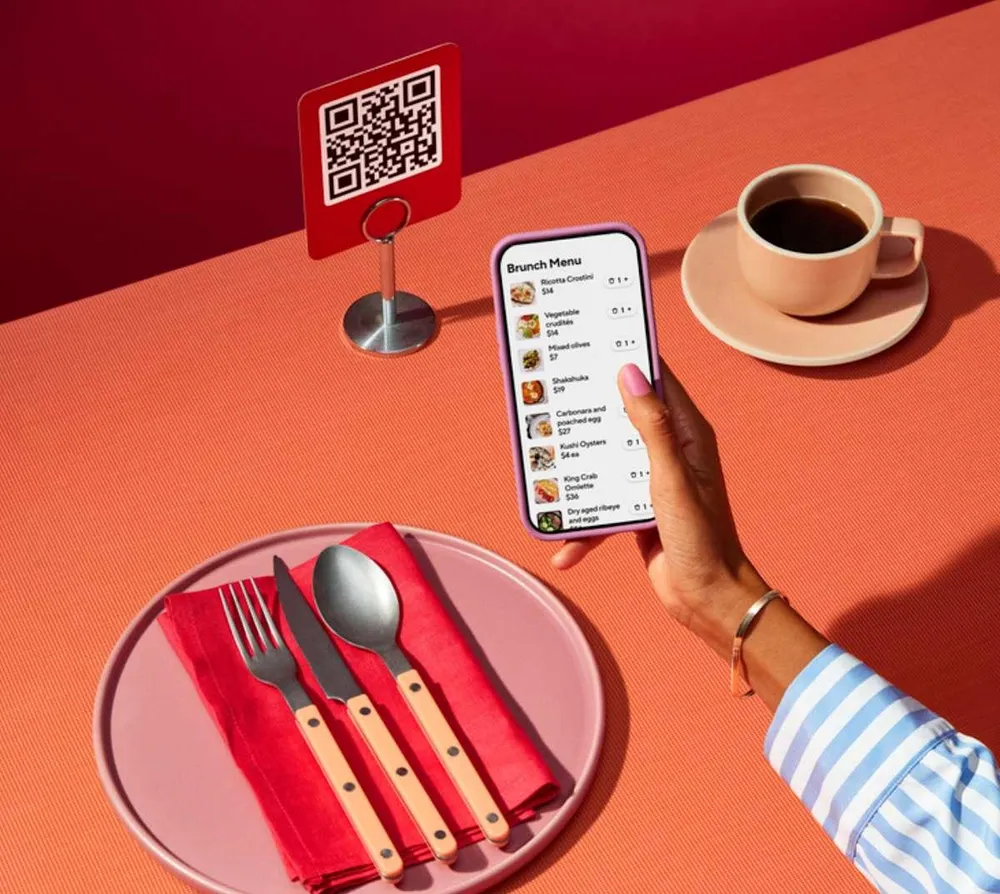
A QR menu generator creates a QR code that opens your restaurant menu on a guest's phone. Instead of handing out printed menus, you place the code on tables, counters or stands, and guests scan it with their camera.
There are two kinds of tool. The generator above turns any menu link into a code. A system such as TableFlows goes further: it hosts the menu for you, so you edit items in a dashboard and every table shows the change at once.
The free generator makes the code. These are the things a TableFlows account adds around it.
Five steps from sign-up to a guest scanning the code. You can have the first tables running in an afternoon.
Create your account and add your restaurant details. Start with a free 10-day trial.
Enter dishes with categories, descriptions, prices and photos, or upload a spreadsheet.
Create a QR code for each table from your dashboard.
Print the codes on table cards, stickers or menu stands, and scan them once before they go on the tables.
Guests open your live menu in their phone browser, and can order from it.
Only need a code for an existing menu link? Use the free generator above, which needs no account.
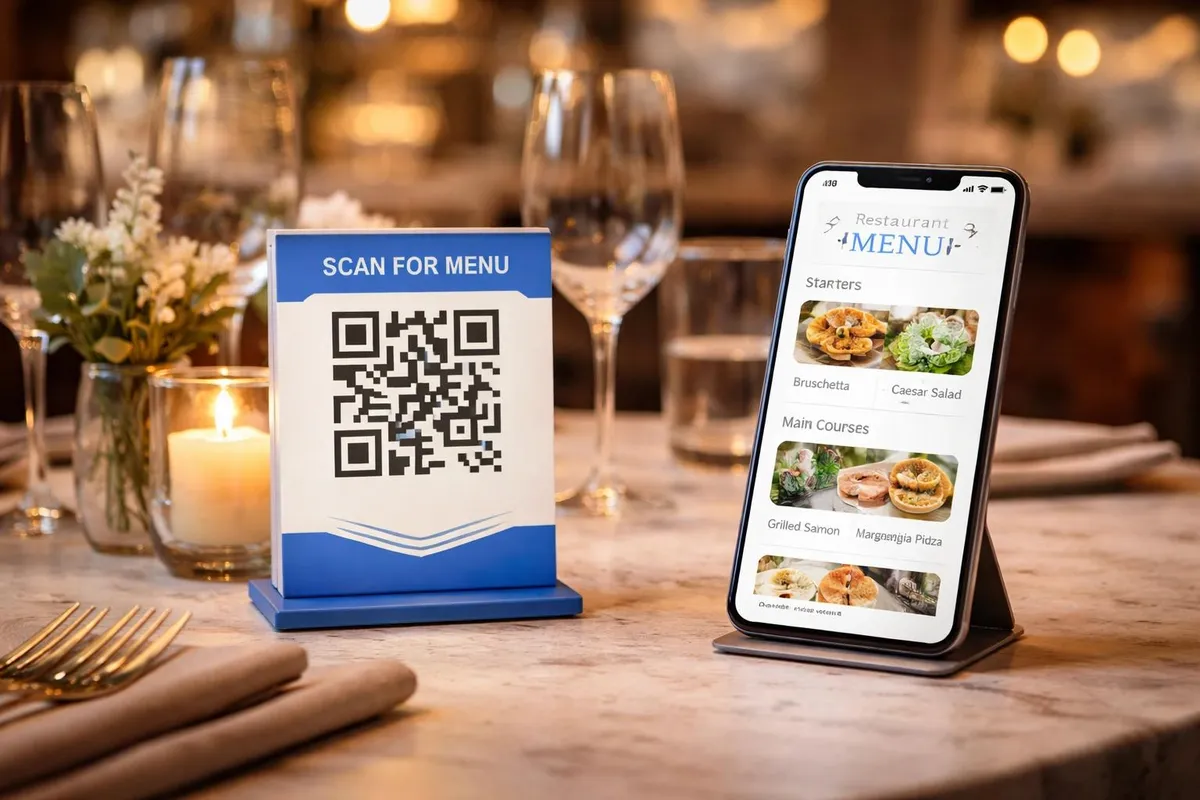
A single code on a poster is fine for a menu board. A restaurant that takes orders at the table works better with one code per table, because the system then knows which table is ordering.
Guests scan, see your photo menu, order and call a waiter, and your team sees each order on the dashboard with the table number.
The same approach works wherever guests choose from a menu.
Printed menus still work, but every change costs you a reprint. Here is how the two compare day to day.
| Traditional printed menu | Digital QR menu | |
|---|---|---|
| Access | Printed copies handed out | Guests scan a QR code |
| Price changes | Reprint the menu | Edit once and it updates |
| Copies | Limited number on the floor | As many guests as have a phone |
| Food photos | Printed, if the budget allows | Shown on screen |
| Handing out | Staff carry menus to each table | Guests scan on their own |
| Upkeep | Wipe, replace and reprint worn menus | One menu managed in a dashboard |
The code you make above points to a link. If that link changes, the printed code stops working, and you cannot update prices without editing the page it points to. That is fine for a simple menu board.
TableFlows works differently. Each table has its own code linked to your live menu inside the system, so you edit items in a dashboard and every table updates at once.
| Free QR generator | TableFlows QR menu | |
|---|---|---|
| Cost | Free | From ₹39 per table per month |
| Update the menu | Edit the page or file the link points to | Edit in the dashboard; live instantly |
| Guests can order | No | Yes, with live alerts for staff |
| Per-table codes | No, one code for the whole menu | Yes, each table has its own |
| Kitchen tickets and billing | No | KOT print and one bill per table |
A code that looks fine on screen can fail on a table in dim light. These habits prevent most problems.
A digital menu is easier to keep right than a printed one. In practice restaurants use it to:
A code is only useful where guests will see it. These four spots work for most restaurants.
A QR menu is a digital restaurant menu that guests open by scanning a QR code with their phone camera.
Yes. Making and downloading a QR code from a link is free and needs no sign-up. TableFlows, the ordering system, is a paid product from ₹39 per table per month. Start with a free 10-day trial.
If your menu already has a link, paste it into the generator above and download the code. To build the menu itself, with photos, categories and prices, create a TableFlows account and add your dishes.
It is easier to keep current: you change a price or add a dish once and every guest sees it, with no reprinting. Some restaurants keep a few printed menus as well.
In TableFlows, yes. Each dish can have a photo, a description and a price. The free generator only makes the code for a link, so the photos live on the page it points to.
Yes, as long as the code points to a permanent menu link. With TableFlows the table codes stay the same and the menu behind them is edited in your dashboard.
No. They scan with the phone camera and the menu opens in the browser.
Yes. TableFlows gives each table its own code, so orders and the bill are tied to that table. The free generator makes one code for one link.
Yes, with TableFlows. Guests browse the menu, place an order, call a waiter and ask for the bill from their phone. See QR code ordering.
No. The code simply contains your link and does not expire. It stops working only if the page or file it points to is removed or moved.
This generator makes a plain, highly scannable code with optional text underneath. Logos in the middle can reduce scan reliability, so we keep it simple.
Keep exploring how TableFlows works for restaurants like yours.
Start your free 10-day trial. Your account is active right away, and no payment is needed to begin.
Start Free 10-Day TrialShare your details and our team will contact you about TableFlows.
