Sign in to manage your restaurant: live orders, tables, menu, bills and reports. Staff use the same login page with the account their manager created for them.
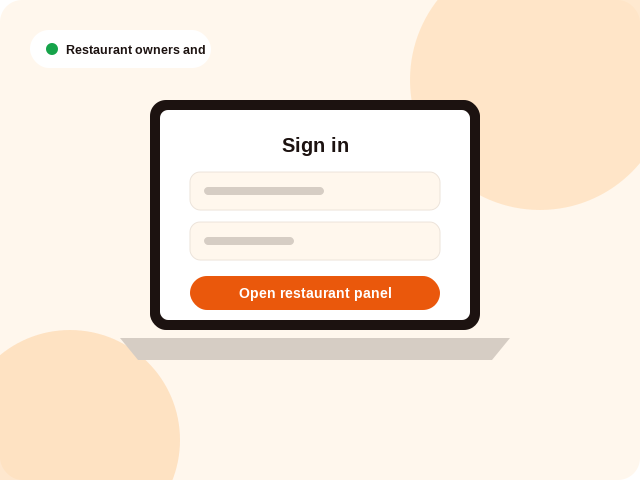
Owners, managers, waiters, kitchen staff and cashiers sign in here with their email or mobile number. Go to restaurant login.
Create your restaurant account and start with your menu and tables. Start now.
Contact us from the contact page and we will help you get back in.
Use the restaurant login page with your email or mobile number and password. After signing in you land on your dashboard with today's orders and sales.
Staff added by your manager can sign in the same way with their own login. Read about staff accounts and the app.
Most sign-in problems are small and quick to fix. Run through this list before you contact us.
TableFlows has separate sign-in pages for different people, so you land on the right screens.
A restaurant account holds your sales and customer details, so a few habits are worth building.
Contact us from the contact page with your restaurant name and registered mobile number and we will help you reset it.
Yes. Staff sign in on the same page with the account created for them.
Yes. After signing in on a computer, choose Download App in the side menu to get the Android app.
On the same restaurant login page, with the account their manager created.
Sessions end after a period of inactivity to protect your account. Sign in again with the same login. On a shared device, always sign out when you finish.
Yes. The restaurant login accepts either the email address or the mobile number on your account, together with your password.
Keep exploring how TableFlows works for restaurants like yours.
Start your free 10-day trial. Your account is active right away, and no payment is needed to begin.
Start Free 10-Day Trial